
|
Listen to this article
|
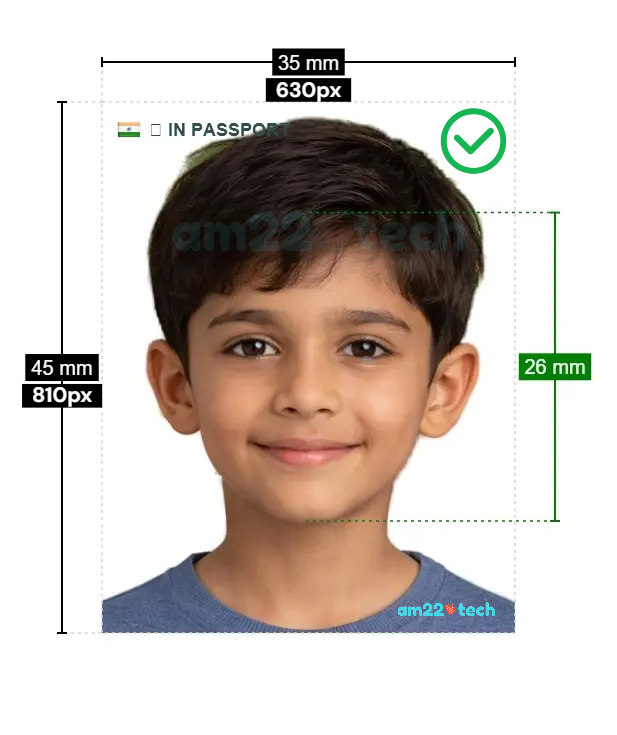
630×810 photo means an image which measures 35mm width and 45mm height when printed on photo paper.
35x45mm photos size is common in India, UK, Australia, Europe and New Zealand for almost all types of government related documents and applications including:
- Visa Applications
- Driving License
- Passport applications
630×810 Pixel Photo Converter
There are many 630×810 Pixel photo converters available online including the one AM22Tech has developed.
AM22Tech AI Passport/Visa Photo is the modern web app that can be installed on your smartphone or used on the web directly (without installation).
Photo Editing
- Automatically crops, sizes and removes image background.
- Takes care of FACE ratio automatically. You just need to upload the photo clicked from your smartphone.
- Provides single digital photo (exact 630×810 pixel) along with 4×6 inch perfectly lined photos for paper printing.
- Photos available for download within minutes of making the payment.
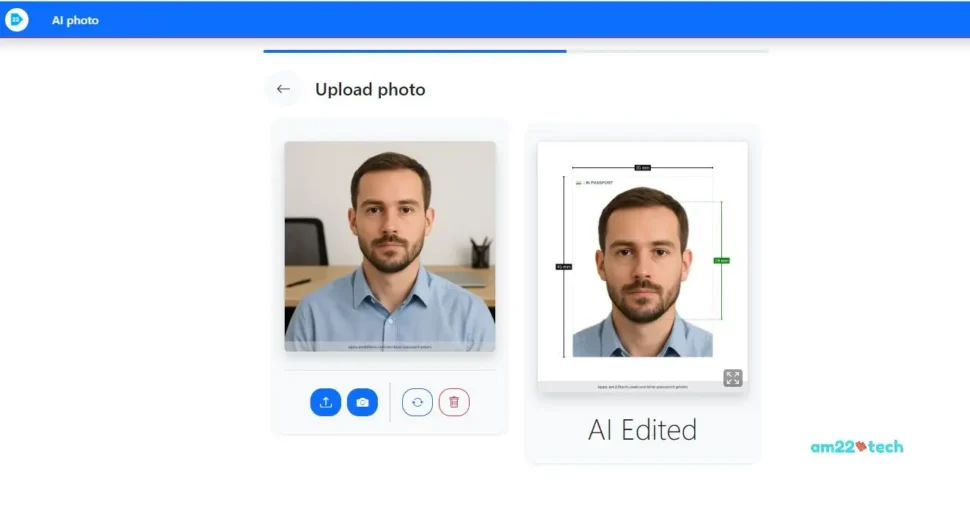
Photo Upload Restrictions
- Works with both JEPG/JPG and PNG photo formats.
- Manual photo editing available if your photo needs adjustments that their AI cannot make.
- Human manual review available for extra fee.
Website/App
- Modern web app – works on both desktop and mobile screens
Support
- Full refund guarantee if photo is rejected.
- WhatsApp and email support in USA eastern business hours.
- USA based company serving Indians around the world.
 Mobile App: 630×810 Indian passport photo
- AI Auto-Crop & Clean: Automatically crops your face, removes the background, and creates the exact 630×810 image in seconds.
- Fast Delivery: Images are available for download within 2 minutes.
- 100% Government Compliant: Full refund if not accepted. Our LIVE WhatsApp service also helps upload the photo on Indian Gov website by correcting the problems.

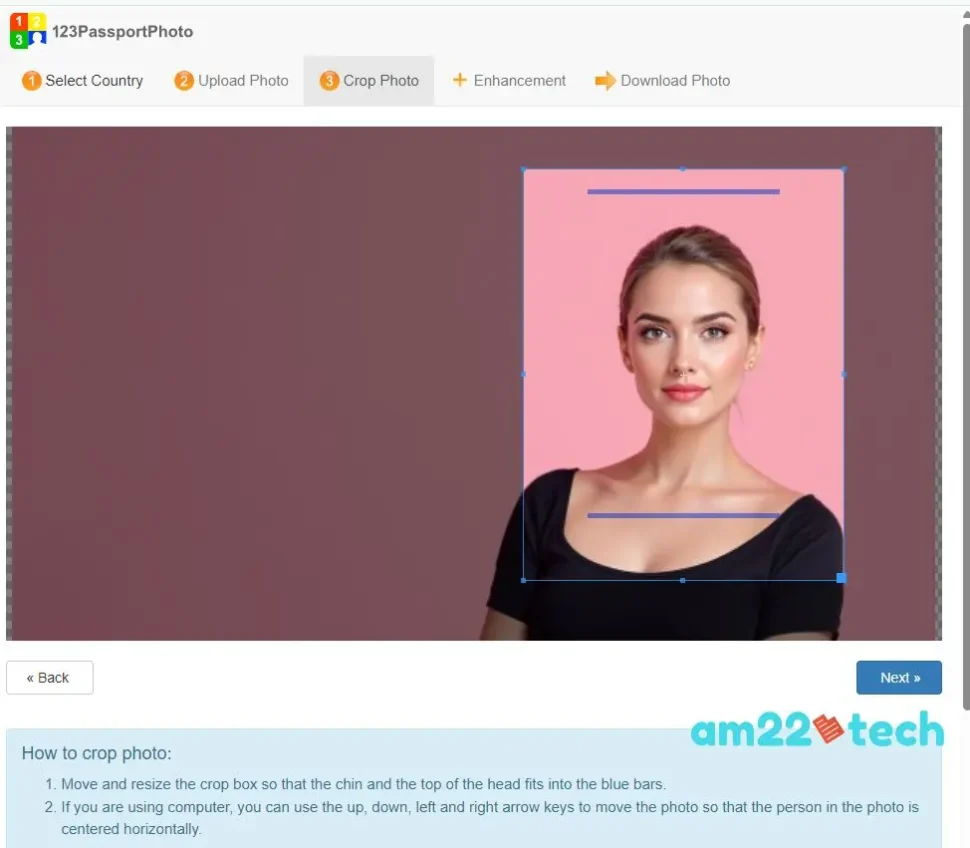
123PassportPhoto may come up in your Google search and it works as long as you can crop the image correctly using their crop lens (a rectangle provided to mark the crop area).
Photo Editing
- Works but manual cropping required. It may not provide the correct face ratio required.
- Manual selection of background color.
- Photo available for download after payment.
- Provides single digital photo and a paper printable digital photo.
- After printing on paper, you can cut the images into correct sizes.
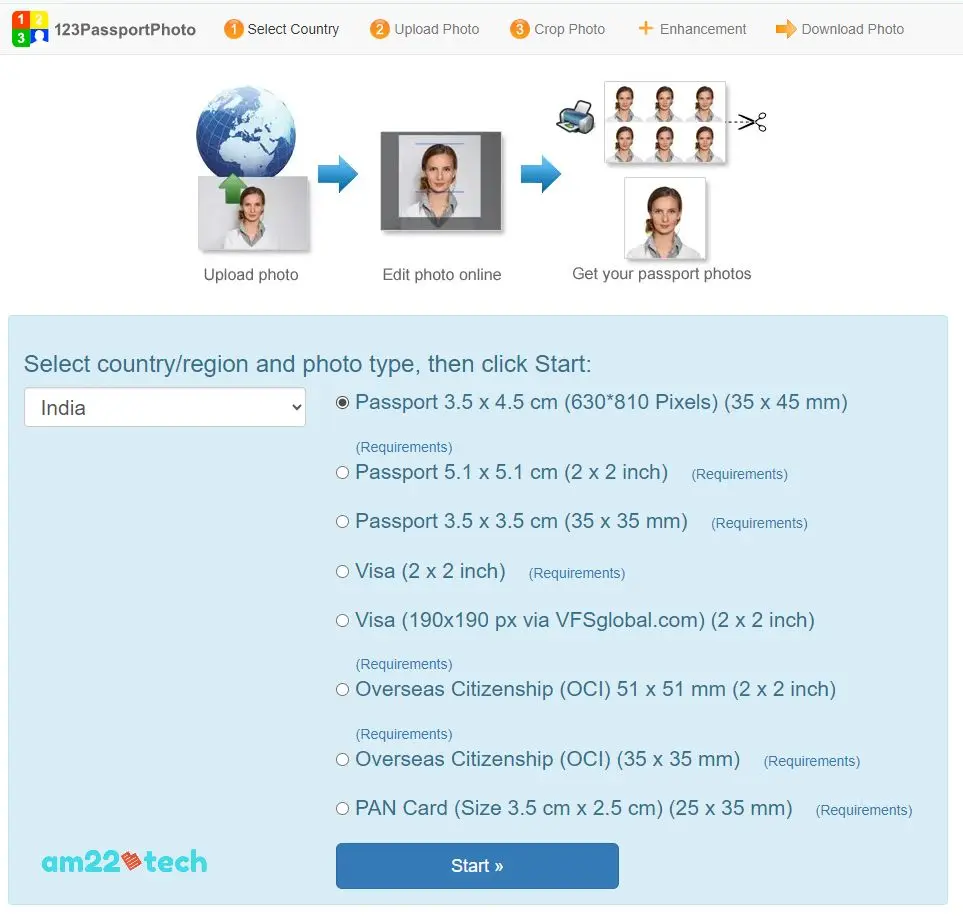
Photo Upload Restrictions
- Only JPEG/JPG photo format allowed.
Website/App
- Cluttered UI but works if you upload the right photo in right format.
Support
- Support available only through online web form.
- No information available about company explicitly.
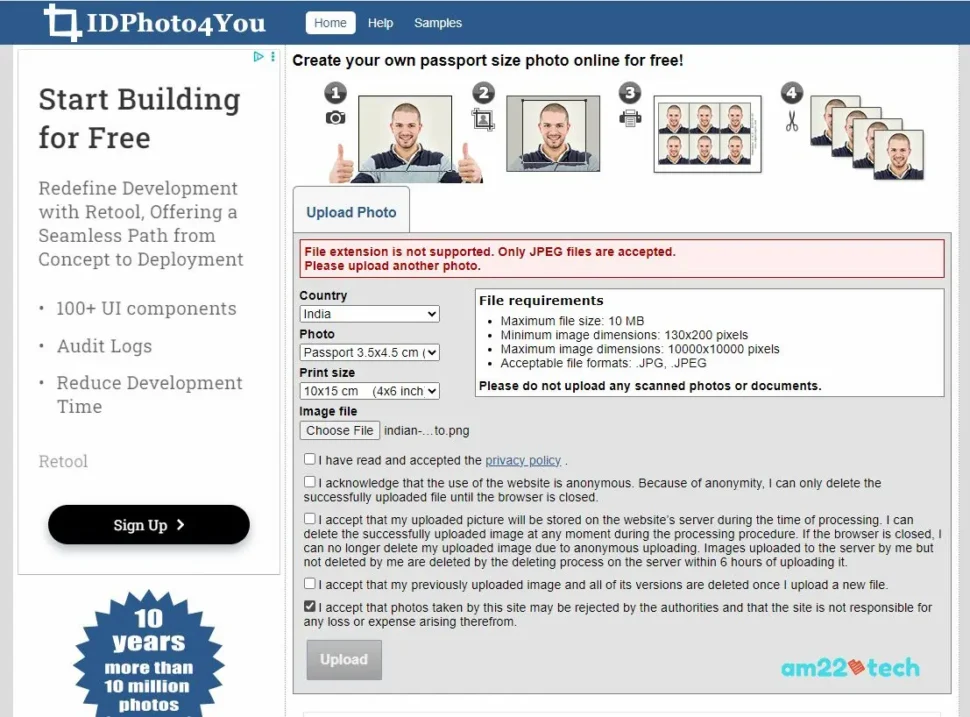
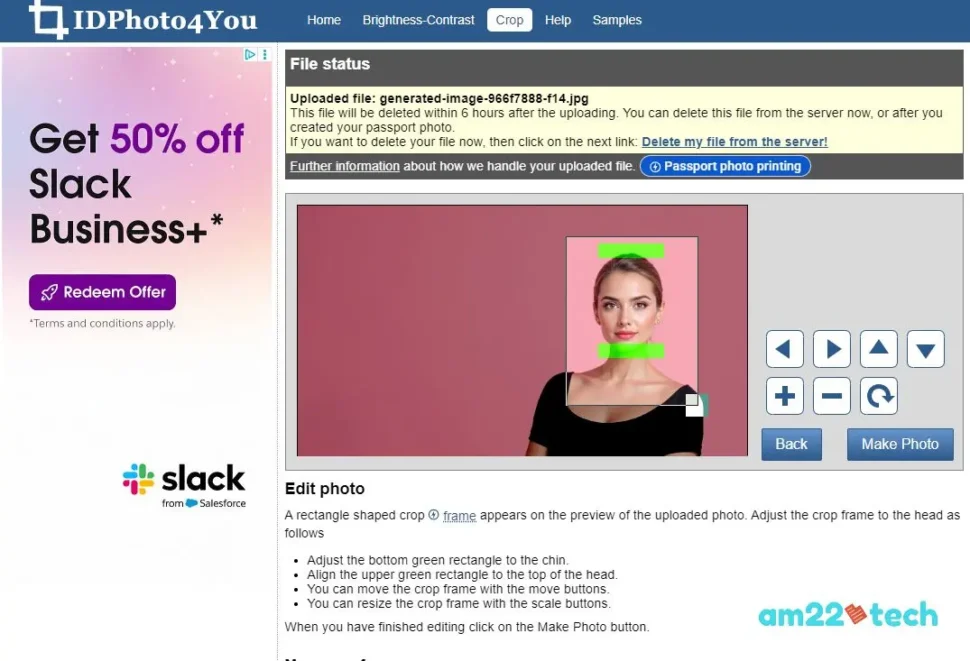
IDPhoto4You is a free option available with no guarantees or warranties.
Many people have used it and reported success with uploading the image on Passport seva portal. The only caveat is that you are responsible for making sure the face occupies 80-85% of the overall photo.
Photo Editing
- Manual Cropping required. It may not provide the correct face ratio required.
- Manual selection of background color.
- Only JPEG/JPG photo format allowed.
- Photo available for download after payment.
- Provides single digital photo and a paper printable digital photo.
Website/App
- Heavily surrounded by ads.
Support
- No support available.
- Free service. No Guarantees offered.
Passport Seva Portal
Many Indians who are facing photo upload issues on the Passport Seva (mportal) site have voiced their opinion on reddit threads.
Do not worry. There is a way to crop the image if you want to do it manually.
The 35x45mm paper photo is same 630 x 810 pixel digital photo. It can be clicked and printed at home or CVS.
All European countries use the 35x45mm format including the UK and Schengen countries.
Hence, if you visit CVS, Walgreens or Walmart in USA to get the photo clicked, just ask them to process it as per Great Britain or Schengen visa standards.
How do we edit a Digital Photo to be exact 630×810 Pixel size on Paper?
There is no easy way to edit the digital photo to be exact 630×810 Pixel unless you use a professional software that makes it the exact size by running mathematical algorithm.
If you try to edit it by yourself, there is a very high chance that the photo will either stretch or compress when you print it on paper.
I strongly suggest to use a software to make sure your photo is marked with exact 630×810 Pixel (35 × 45 mm) such cut-out lines to avoid any surprises.
Resize in Paint (Windows)
AI Passport & Visa Photos in Minutes!
No studio, no waiting. Get perfectly compliant photos from your phone.
✨ Get My Photo Now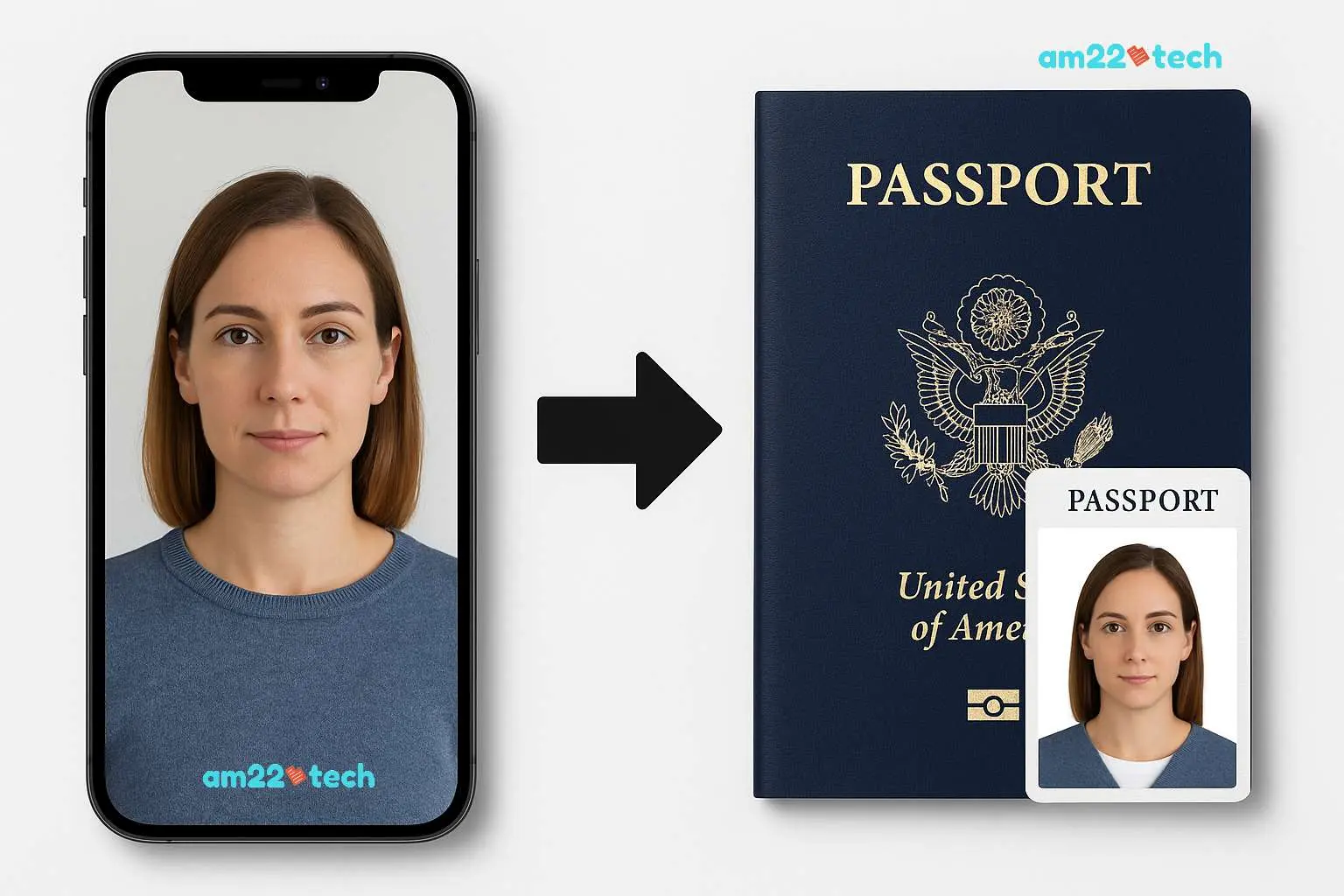 See how our AI transforms your phone photo into an embassy-ready passport picture!
- Open the image in MS Paint,
- Click “Resize”.
- Select “Pixels”.
- Uncheck “Maintain aspect ratio”.
- Enter 630 for horizontal and 810 for vertical.
These same instructions are also provided by VFS (the passport service provider for India) here.
Resize in Preview (Mac)
- Open the photo,
- Go to Tools > Adjust Size
- Uncheck “Scale proportionally”
- Set width to 630 and height to 810.
Resize In Canva
- Open Photo in Canva.
- A premium subscription may be required to resize the image.
- Crop it to 630×810 pixel size.
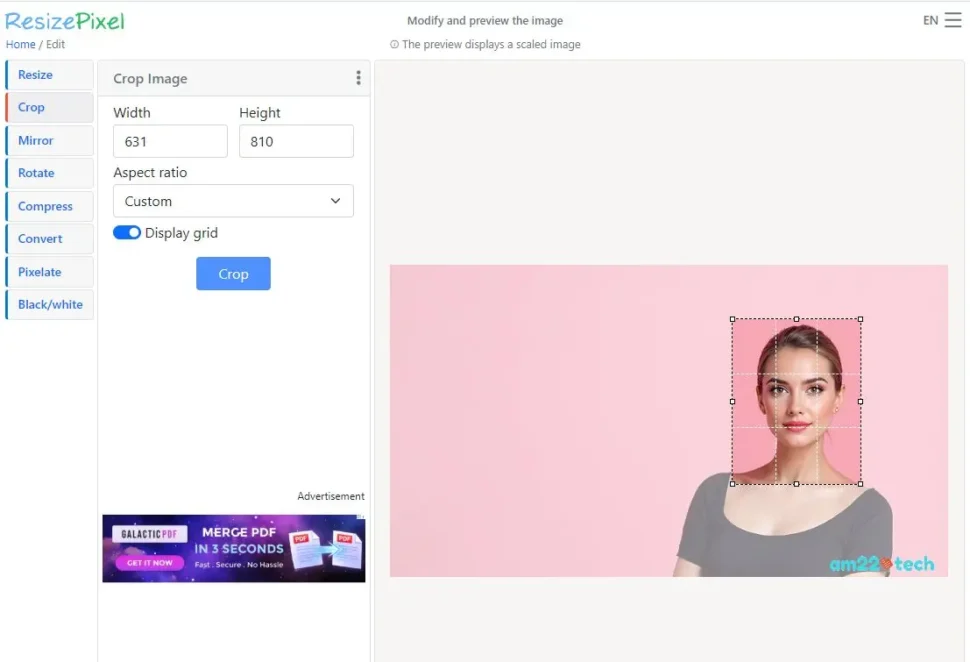
ResizePixel (Free)
ResizePixel is a free option to crop and resize the image. You can resize your already available 2×2 digital photo to a 630×810 pixel size if you are not able to do it on Canva easily:
FAQ
You should avoid using a selfie in the first place for an important ID photo. We suggest asking a friend of family member to click a picture for you.
Here is a guideline on how to click a good photo for your passport. After clicking the photo, you can use any of the above mentioned methods to crop to the exact pixel size.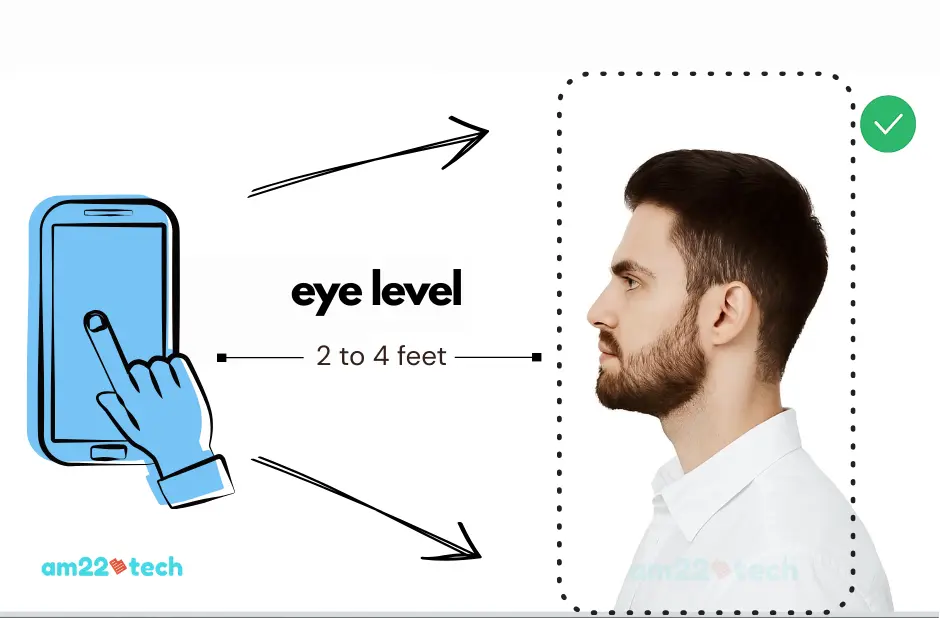
Technically yes, but you may miss specs like head size, eye positioning and proper lighting.
If you can crop to 630×810 Pixel with your photo crop tool and then make sure that head size is approximately 1 to 1-3/8 inch with at least 300 DPI, you can use the picture.
Just make sure that you measure the real height and width after printing it.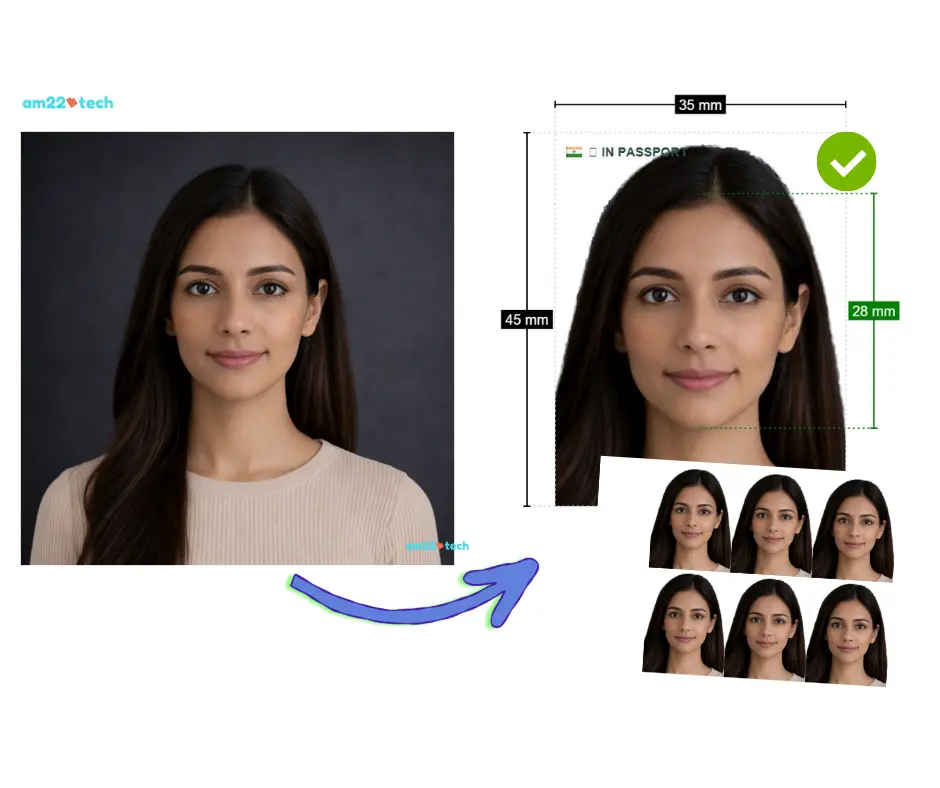
No.
Yes, VFS change of appearance form shows we need 35x45mm photo.
You can create a 4×6 inch format photo format and then print it at Walmart, CVS or Walgreens in USA. Cut the photos and then paste one of them on the Affidavit.
Yes, there are discrepancies on various documents and checklists created by VFS for passport renewal.
Infact, for OCI and visa services, they have not even mentioned the correct size of the photos.
In this case, we suggest to get the 35x45mm (630×810 pixel) photo for passport renewal and 2×2 inch photo for Indian visa and OCI services.
If the system rejects the file, it is often due to slightly incorrect dimensions or file size. Re-saving the image to be exactly 630×810, ensuring it is under 250KB, often fixes this.
White Space: If the image appears too close, you may need to add more white background area (canvas) before resizing to 630×810 to ensure your face does not exceed 80-85% of the frame.
