
|
Listen to this article
|
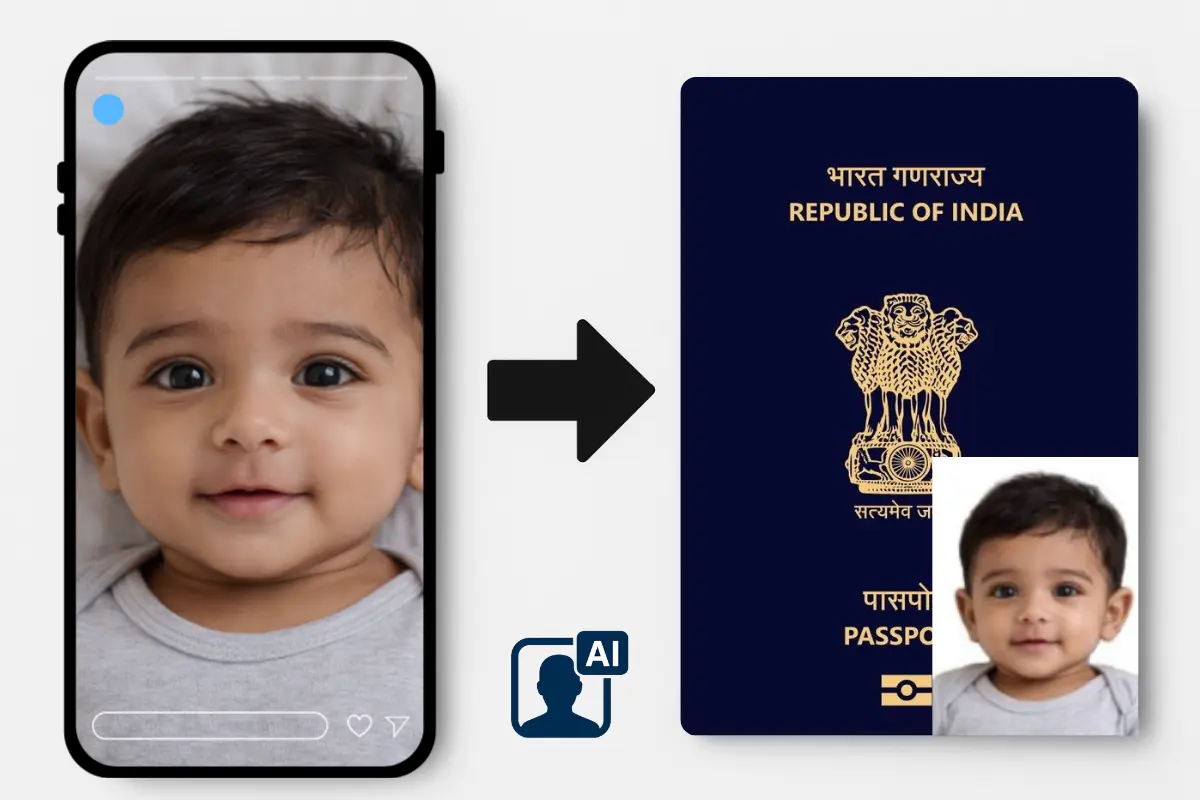
If you are applying for an Indian Passport in USA, Australia, Canada or any European country, you must include two recent passport-size photos with your application.
In USA, VFS instructions are a little different:
- Paper printed photo size: 2×2 inch
- Upload Photo size: 35×45 mm
Many applicants face delays or rejections because their photos do not meet Indian gov standards while uploading it on website.
Here’s a simple, step-by-step guide to help you get your photos right the first time as per Indian gov photo guidelines for passport or OCI.
Indian Passport Photo Requirements
To avoid delays and rejections, your application photos must strictly follow the official Indian government photo specifications.
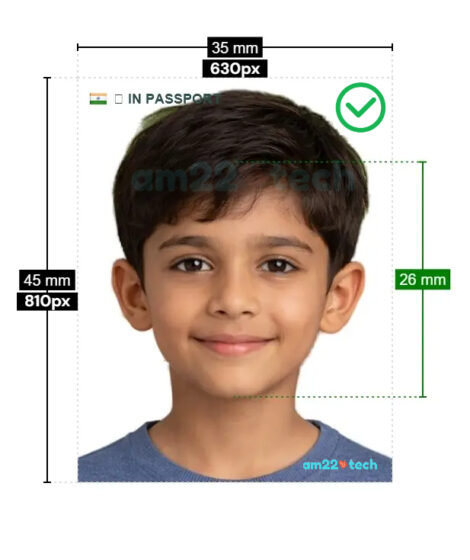
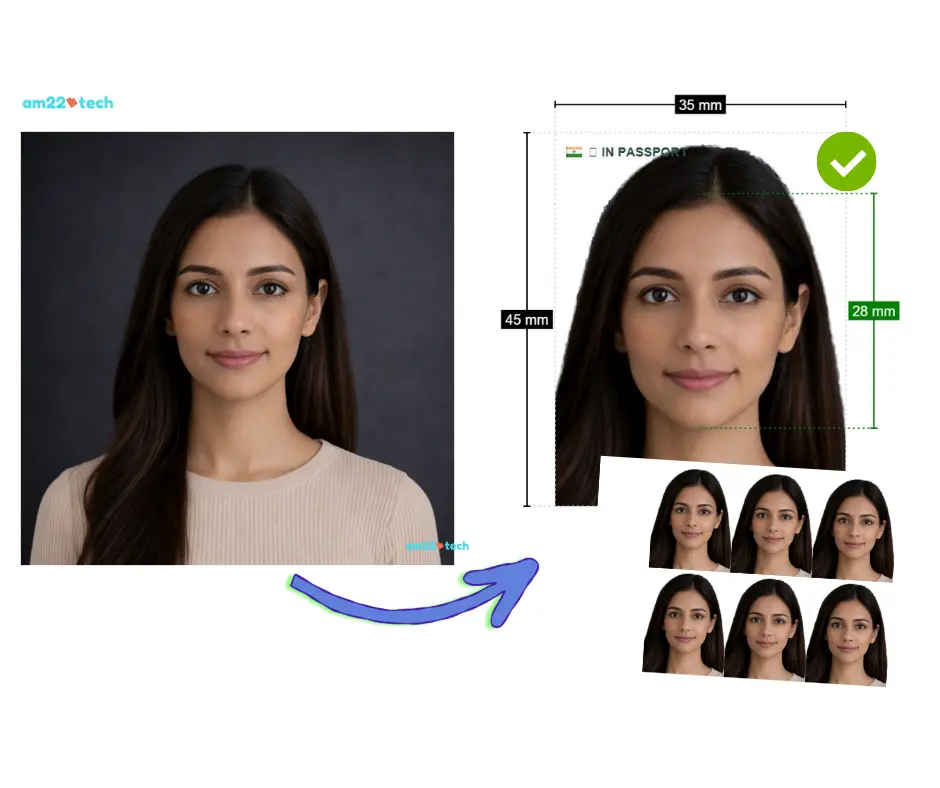
- Size: 45 x 35 mm
- Head Position: Head height must be between 1 inch and 1 3/8 inches (25–35 mm) from the bottom of the chin to the top of the hair.
- Background: A plain light gray background is required, with no patterns or shadows.
- Expression: Maintain a neutral facial expression or a natural, subtle smile. Both eyes must be open and visible.
- Eyewear: Glasses are not permitted in the photo, except in rare instances of medical necessity with a signed doctor’s statement.
- Print Quality: Photos must be high-resolution, printed on photo-quality paper (matte or glossy), and free of smudges or creases.
- Quantity: Unless specified otherwise on your form, you must submit two identical photos.
Where to Get Indian Passport photo Clicked?
You can visit Walmart, CVS or Walgreens to get your photos clicked for Indian passport renewal.
At some locations, even Costco and Sams club also offer reasonably priced passport size photos. They can also edit the photo as per Indian government’s 45×35 size requirements.
They usually charge upwards of $14.99 for two pictures.
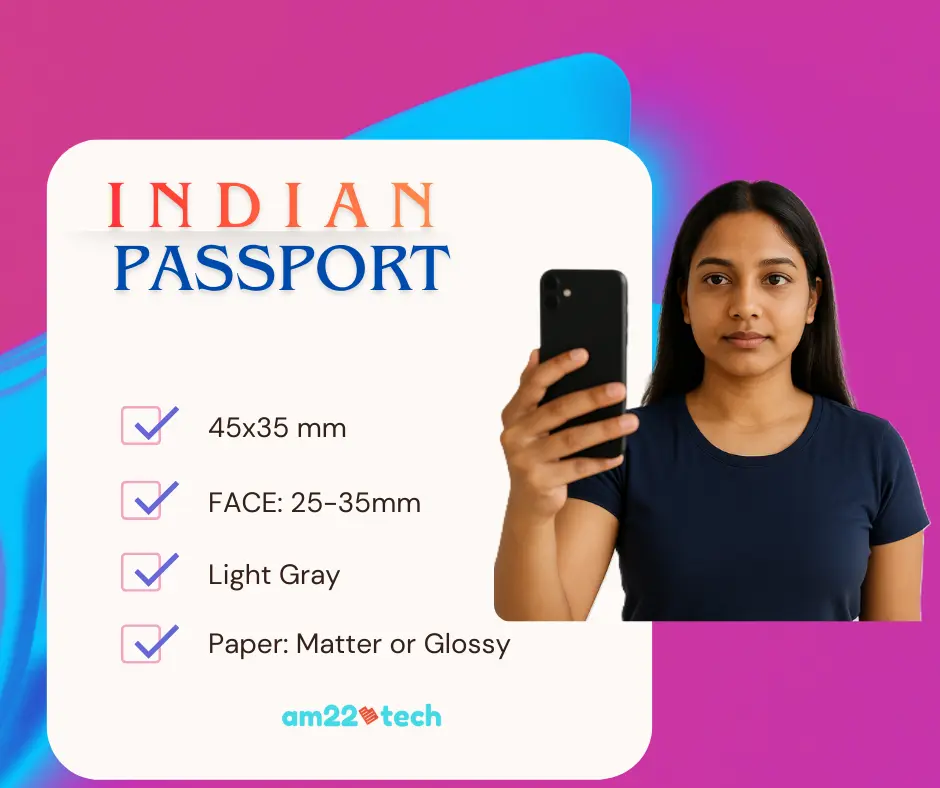
The other option is to click the photo yourself using the mobile phone camera or your digital camera. There are softwares and websites available online which can help you edit your photos to exact specifications.
You should remember that editing is complex as the final edited image should print to exact measurements of 2 inch x 2 inch on paper. The image’s DPI (dots per inch) also matter as they control the quality of the final printed output.
Indian government requires the image to be high resolution which can be attained if you click the image by your iPhone and then edit it to at least 300 DPI. AM22Tech’s AI photo editor takes care of checking the photo resolution and edits it to minimum 300 Dots per inch thereby making it extremely easy to satisfy government requirements.
If you would like to click them yourself to save money, here is how to take Indian passport photo at home.
How to Take Your Passport or Visa Photo at Home
Save time and money by capturing a professional-quality photo right from home. All you need is a smartphone and a few minutes. Follow these steps for the perfect shot.
1 Right Lighting
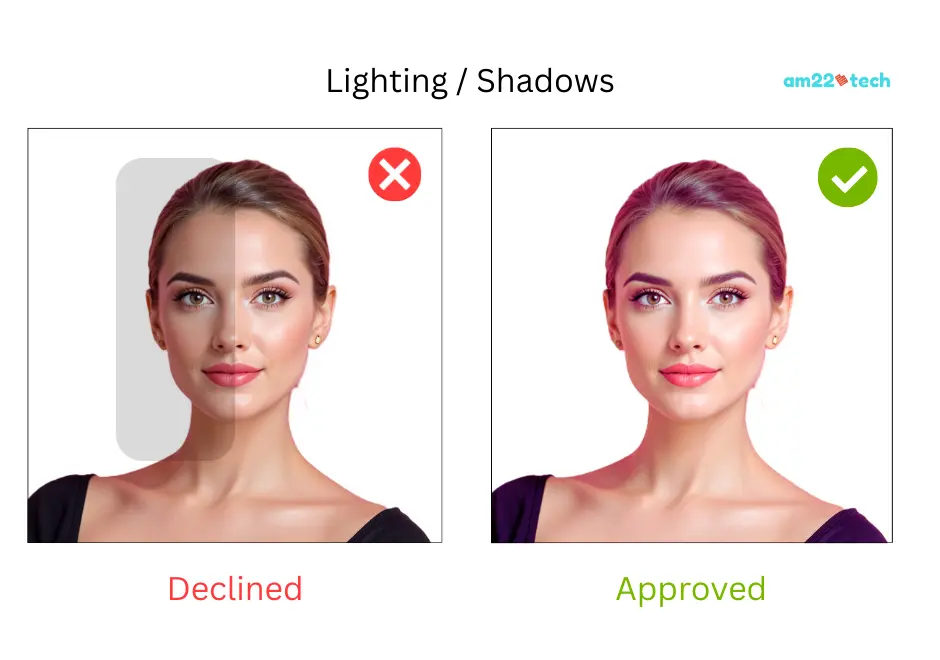
Stand against a plain white or off-white wall. Face a window for natural daylight to ensure even lighting and avoid harsh shadows.
2 Set Up Your Camera
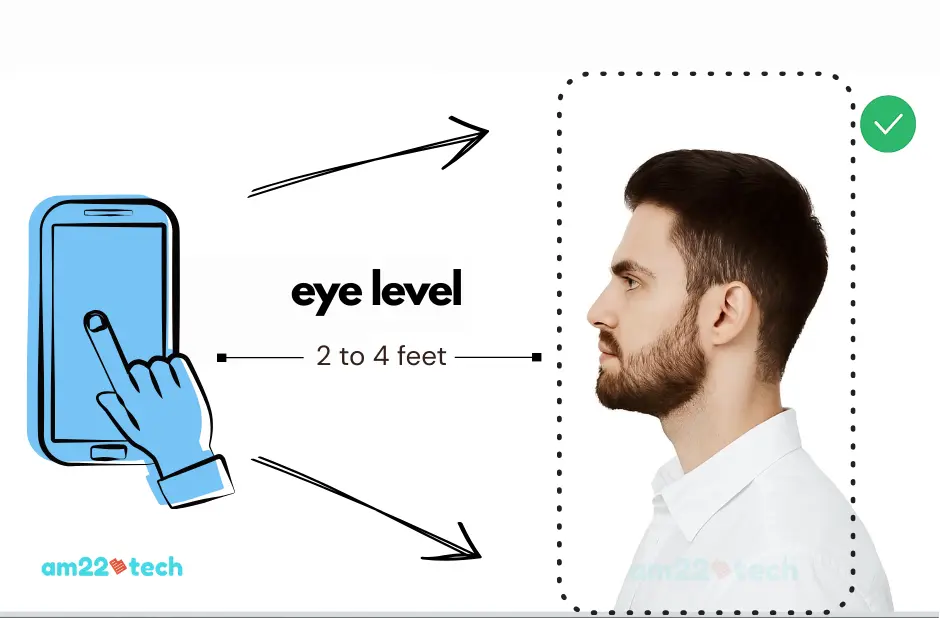
Use a tripod or ask a friend. Keep the lens at eye level and about 2 to 4 feet away. Always use the back camera for sharper quality.
3 Strike the Correct Pose
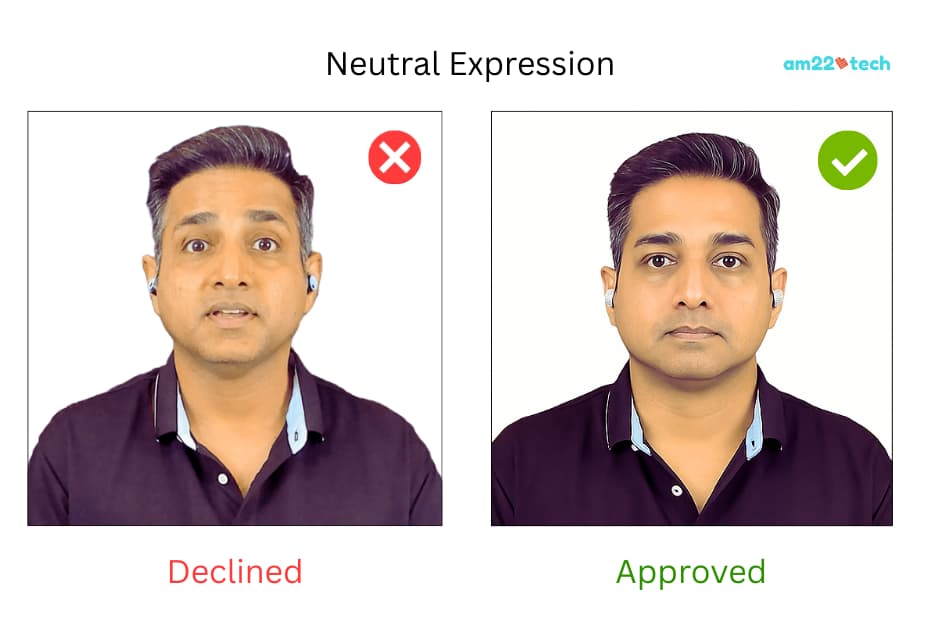
Look directly at the camera with a neutral expression. Keep your head straight, shoulders relaxed, and ensure your full head and shoulders are visible.
4 Capture & Upload
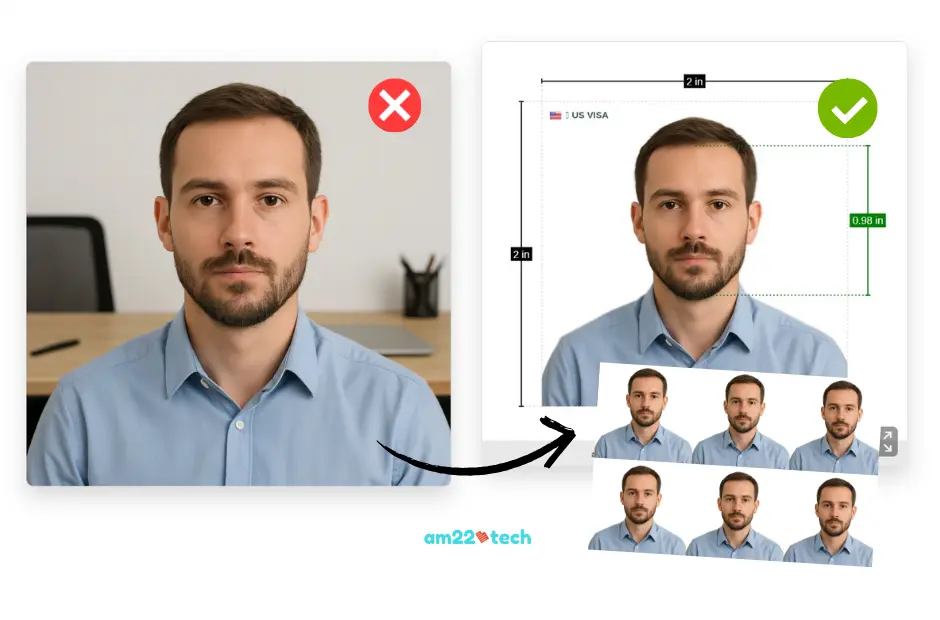
Take the shot and upload it to an AI photo editor. It will adjust background, crop correctly, and produce a high-resolution photo that matches government standards.
Expert Tip
Avoid using a flash. It creates glare on skin and glasses. Natural light is your best friend!
Making Your Photo Indian Gov-Ready
Even with a perfect shot, technical details like resizing, cropping, and cleaning the background can be a headache. Indian government is very strict and will reject photos if the head ratio or dimensions are even slightly off, leading to frustrating delays.
The Final Editing Steps
- Crop and center the head to the exact specifications.
- Ensure precise 45x35 mm dimensions.
- Professionally remove background shadows and ensure a light-gray background.
- Generate print-ready files (JPEG/PNG) for easy printing at home or a store.
Your Final Checklist Before Submitting
You've got this! Use this final checklist to be 100% confident before you submit your application.
-
Timeliness: Is the photo taken within the last 6 months?
-
Identity Match: Does it look exactly like you?
-
Correct Quantity: Have you included two identical photos with your application?
-
Print Quality: Is it printed on high-quality photo paper with no smudges or creases?
-
No Obstructions: Are there any shadows, glasses, or head coverings (unless for religious/medical reasons with documentation)?
Ready to Create Your Perfect Photo?
Our AI tool takes the guesswork out of the process, guaranteeing a government compliant photo every time.
Get Your Government Compliant Photos NowFAQ
Yes. VFS in USA requires two printed photos with your paper based passport or OCI application.
Digital copy (45x35mm) is required to be uploaded on Indian Government website.
VFS may send you a Request for resending your photos or reject your application. This delays your passport approval.
That’s why correct photos are very important.
The official Indian government website requires the photo to be 45 x 35mm in size when uploading on application website.
In many cases, VFS has accepted the 2 inch x 2 inch size when printed on paper and sent with package in USA. Hence, we suggest getting both sizes in USA.
In all other countries like Canada, Australia, UK, New Zealand, the 45x35mm is standard for both upload and paper printing.
The size requirements are mandatory.
There is no need to write the name on the back of the photographs sent for passport renewal or OCI application.
Professional Visa Filing Service
Your trusted partner for a smooth application process.
Expert Support & Preparation
Get hassle-free visa extension and EAD filing professional support. Includes preparation, printing, photo editing, mailing and RFE preparation.
Fast & Efficient Service
Applications filed within 1-2 days with all documents ready. Emergency filing is also available to meet urgent deadlines.
Passport Photo Assistance
We professionally edit your photos to meet all US visa requirements, including background removal and proper alignment. Photo printing is included.
Yes. Even subtle tilts or angles can trigger a rejection — even if the photo initially "validated" online.
Ensure your face is straight, both ears are visible and eyes are fully facing the camera.
AI Passport & Visa Photos in Minutes!
No studio, no waiting. Get perfectly compliant photos from your phone.
✨ Get My Photo Now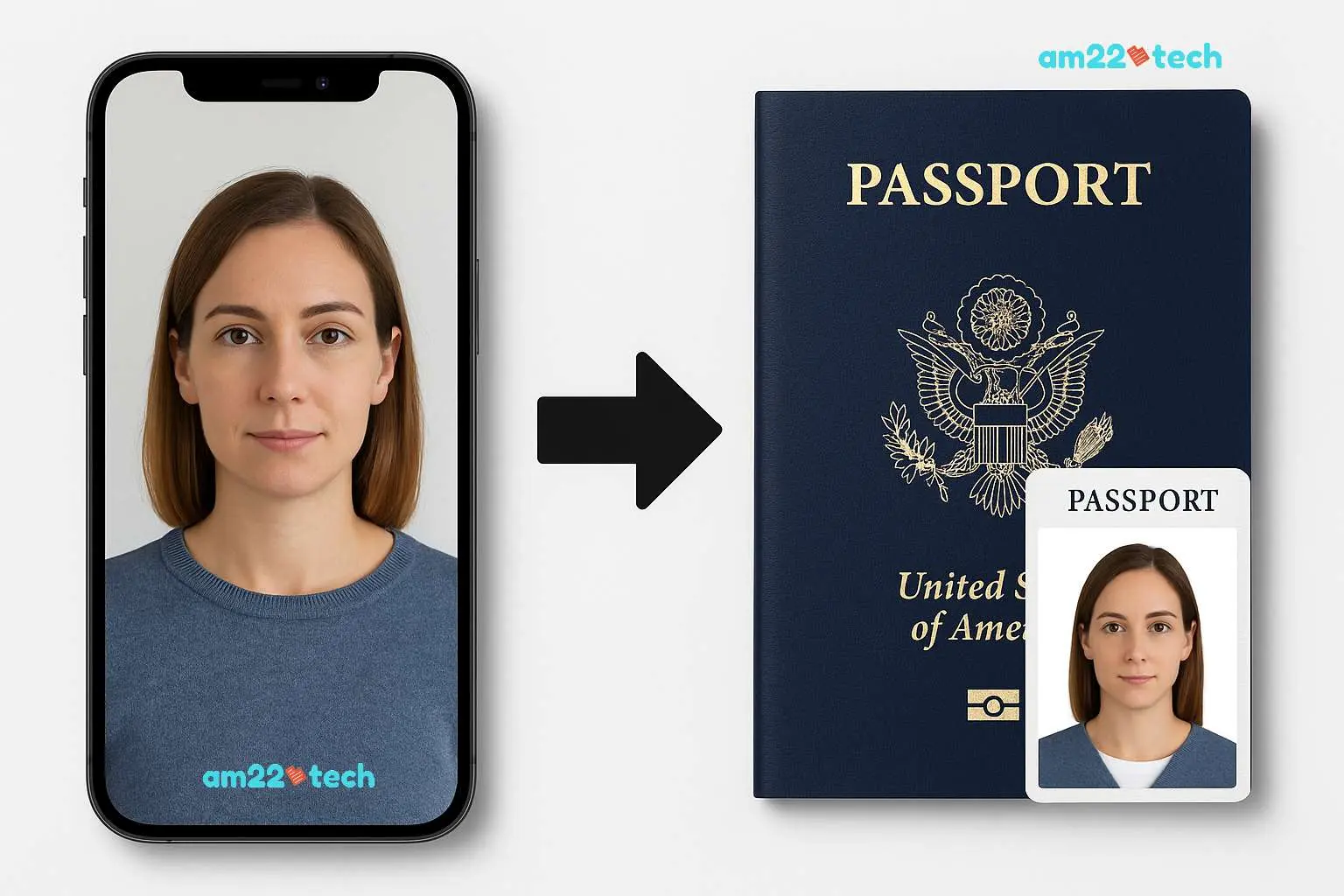 See how our AI transforms your phone photo into an embassy-ready passport picture!
Yes—photos must be in color.
Black-and-white prints are not acceptable for Indian passport and OCI applications.
